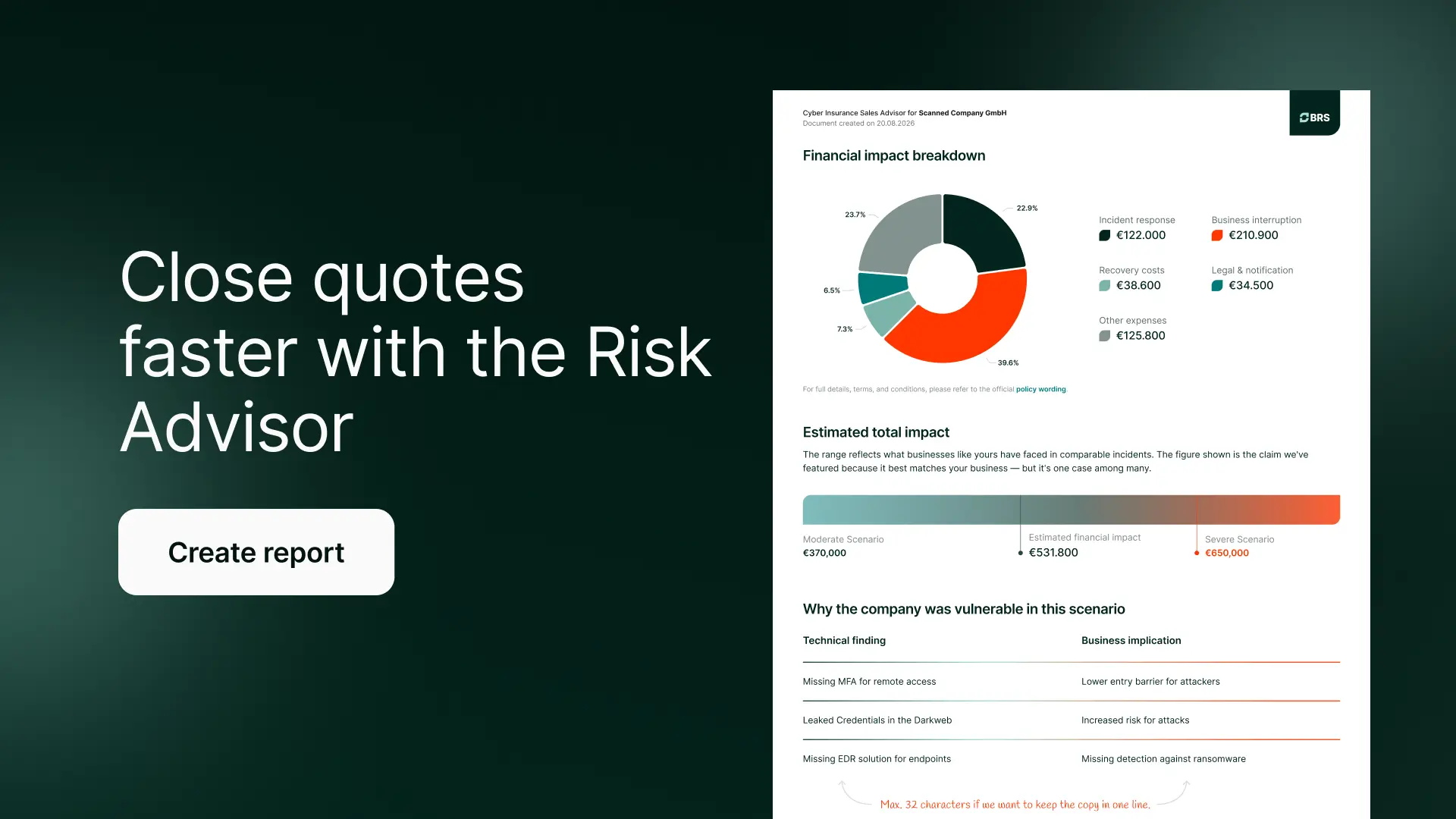
Risk Advisor: Make cyber risks tangible now and secure your policies

In your day-to-day business as an insurance broker, you spend a lot of time tediously transferring risk data from client questionnaires, emails, and existing policies into various portals. This manual duplicate work not only slows down your sales process, it also increases the risk of transcription errors—and when time is tight, it often means submissions never get placed at all. With EasyQuote, Baobab flips this script: instead of time-consuming input forms, AI-powered data extraction handles the legwork, turning uploaded PDF documents into a ready-to-review quote in just a few minutes.
Summary: EasyQuote is an AI-powered feature in the Baobab Broker Portal that automatically extracts risk data from uploaded PDF documents and transfers it into new or existing quotes. It saves you from manually retyping lengthy risk questionnaires, prevents transcription errors, and gets you bind-ready quotes for your commercial clients significantly faster.
Who is EasyQuote for?
This solution is designed for brokerage firms in the commercial insurance space that regularly process risk questionnaires, tender documents, or existing policy records and want to noticeably streamline their internal workflows.
- Core target group: Commercial and industrial brokers, as well as intermediaries handling high tender volumes.
- Typical work environment: Brokers who primarily communicate via their own broker management systems (BMS), email, and PDF documents, and want to systematically eliminate duplicate data entry.
- Key challenge: Time-consuming transfer of client information into new quote forms, as well as messy, hard-to-track comparisons when existing quotes need to be updated based on new documentation.
Put an end to duplicate data entry
Many digital insurance platforms fall short in a broker’s daily routine because they require you to fill out lengthy online forms from scratch for every single submission. In practice, however, all the relevant risk information is already available in PDF format—whether as a completed questionnaire, a tender document, or a prior insurer's policy. When every placement requires manual retyping, you lose valuable advisory time and miss out on closing opportunities.
EasyQuote adapts to your brokerage's existing workflow and delivers measurable benefits for your day-to-day sales:
- More time for client advisory and new business: By eliminating manual data transfer, your administrative workload per submission drops drastically—allowing you to place even complex risks without major extra effort.
- Faster quote turnaround for clients: Processing time is cut down to just a few minutes, enabling you to present quotes to your clients sooner and lock in coverage faster.
- Higher data quality and fewer follow-up questions: Automated answer mapping reduces typos and ensures relevant risk details are captured accurately right from the start.
- Effortless updates to existing quotes: Changes or newly submitted client documents can be integrated into active quotes without having to re-enter everything from scratch.
How EasyQuote works in four steps
The process combines automated text recognition with full underwriting control on your end. All information remains editable prior to final generation, so you can review every detail and adjust as needed.
- Upload PDF & choose your path: Open EasyQuote in the broker portal and upload the client’s PDF. Next, select whether you want to create a new quote or update an existing one.
- Automated data extraction: The AI feature reads all relevant risk data from the document and automatically maps it to the corresponding questions in the quote form.
- Review & complete in split-screen view: View the extracted answers directly alongside the original PDF. For new quotes, EasyQuote checks for existing client accounts and flags missing mandatory fields; for existing quotes, the system neatly categorizes all questions by discrepancies, new information, matches, and open items.
- Finalize your quote: After a quick review, a single click generates the new quote or updates the existing one.
The blog post was written by